

 Deutsch
 Français
 Español
 Português (Brasil)
 Italiano
How to Fix Incorrect Information About Your Brand in AI Answers
 Danila Kadtsyn7 min readNovember 16, 2026
Key takeaways
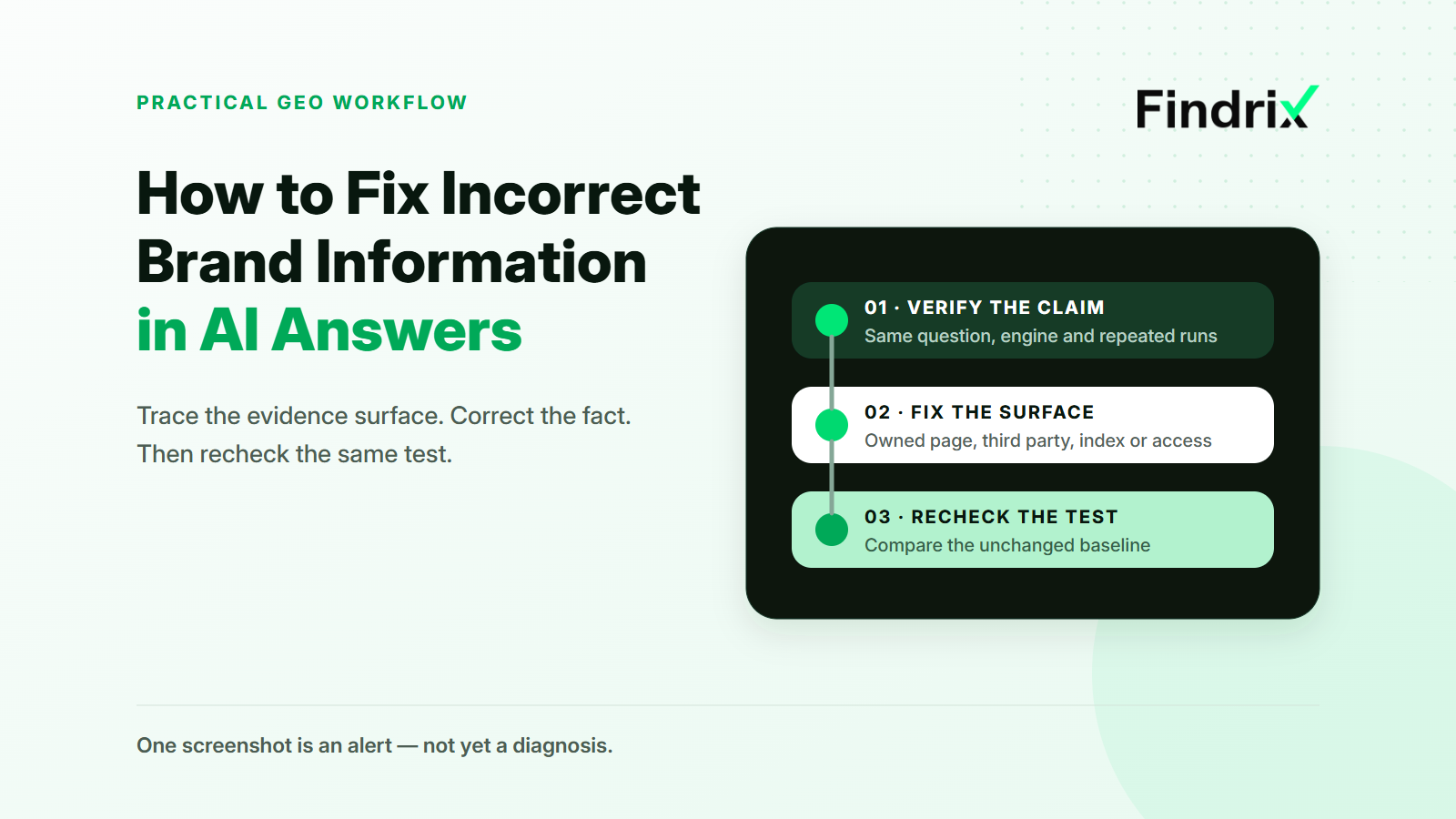
- One bad screenshot is an alert, not yet a diagnosis.
- Fix the evidence surface before requesting recrawling.
- Verify the change with the same questions, engines and run design.
Practical example 1: An AI answer says your product does not integrate with Salesforce. The integration has been live for three months, but an old comparison page and a software directory still say otherwise. A buyer sees the answer before speaking to sales and removes the product from the shortlist.
The problem looks like an AI hallucination. The useful diagnosis is narrower: the old fact still exists on an evidence surface the system can find.
You cannot edit an AI answer directly. To fix wrong AI answers about your business, isolate the error, find the surface carrying it, correct that surface and repeat the same test. The order matters: recrawling an incorrect page only helps systems find it again.
Why AI gets your brand wrong — and why it matters
Brand facts rarely live in one place. A capability may appear on a feature page, in documentation, on an old campaign page, inside structured data and on third-party profiles. Those surfaces do not update together.
AI answers add another source of variation. The wording of a question can change an output, and repeated runs can disagree. One bad screenshot is therefore an alert, not yet a diagnosis.
The commercial test is simple: could the claim change a buying decision? An outdated integration, price, location or certification deserves attention. “Not the best choice for enterprises” is an opinion, not a factual correction ticket.
Start with one consequential fact. In the running example, that fact is: the product supports Salesforce.
Step 1. Find out exactly what AI is getting wrong
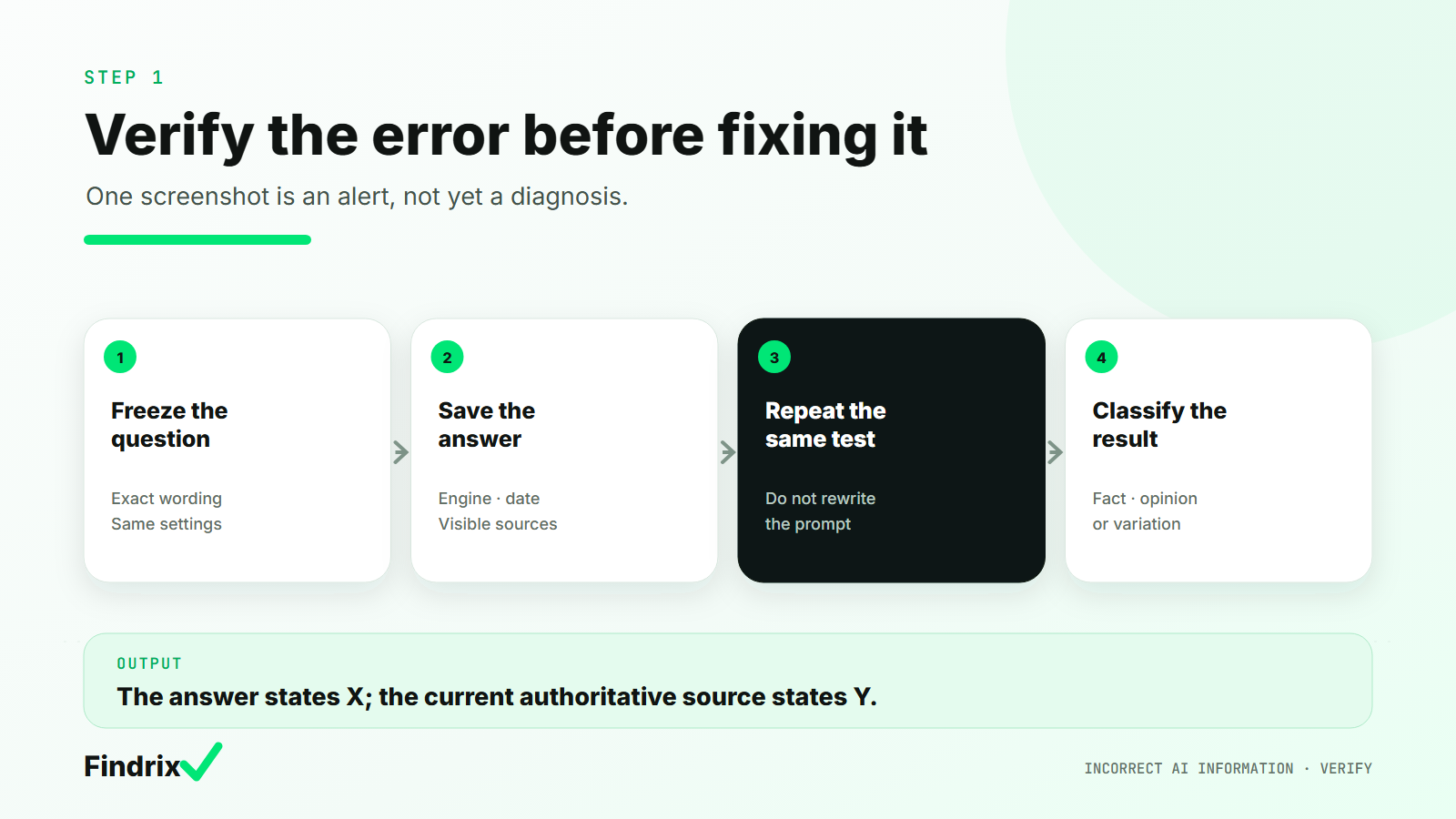
Turn the complaint into a reproducible record. Save:
- the exact question;
- the complete answer, not only the wrong sentence;
- the AI product, model or mode shown in the interface;
- the date and market or language;
- every visible citation;
- the current first-party page that proves the fact.
Then repeat the exact question. Keep engines separate and do not improve the wording halfway through. Prompt-sensitivity research shows that small, intent-preserving changes can produce different outputs. A better answer after a rewritten prompt is not evidence that the source correction worked.
Classify the result before taking action:
- Factual mismatch: the answer says the integration does not exist; the current product page says it does.
- Opinion: the answer calls the integration limited or the product unsuitable. This requires evidence and positioning work, not a factual correction ticket.
- Generation variation: the wrong statement appears once but disappears in repeated identical runs. Keep observing before assigning a cause.
This matters when reviewing ChatGPT incorrect information. “ChatGPT said it” does not distinguish a stable error, a cited stale page and a one-off output.
The output of Step 1 is one sentence: The answer states X; the current authoritative source states Y. Attach the unchanged question and the baseline runs.
Step 2. Trace the incorrect information to its source
Start with the visible citations. Open each page and search for the exact claim, close wording and omissions that create the same impression.
If the answer has no citations, widen the search without claiming causation. Check:
- product and feature pages;
- documentation and help articles;
- pricing and comparison pages;
- old campaign landing pages;
- company and partner profiles;
- directories, review platforms and relevant articles.
In the Salesforce example, the current integration page says Salesforce is supported, an old comparison page says it is not, and a directory copied the old description. This is a consistency problem across two evidence surfaces.
Use careful labels. A page cited in the answer is an observed source for that answer. An uncited page with matching language is a likely or conflicting surface, not a proven cause. Proprietary engines do not expose enough information to attribute every uncited statement to one URL.
The output is a surface map: page, owner, current statement, desired statement and confidence.
Step 3. Fix the information where it originates
This is the central decision. The same wrong answer can require six different interventions.
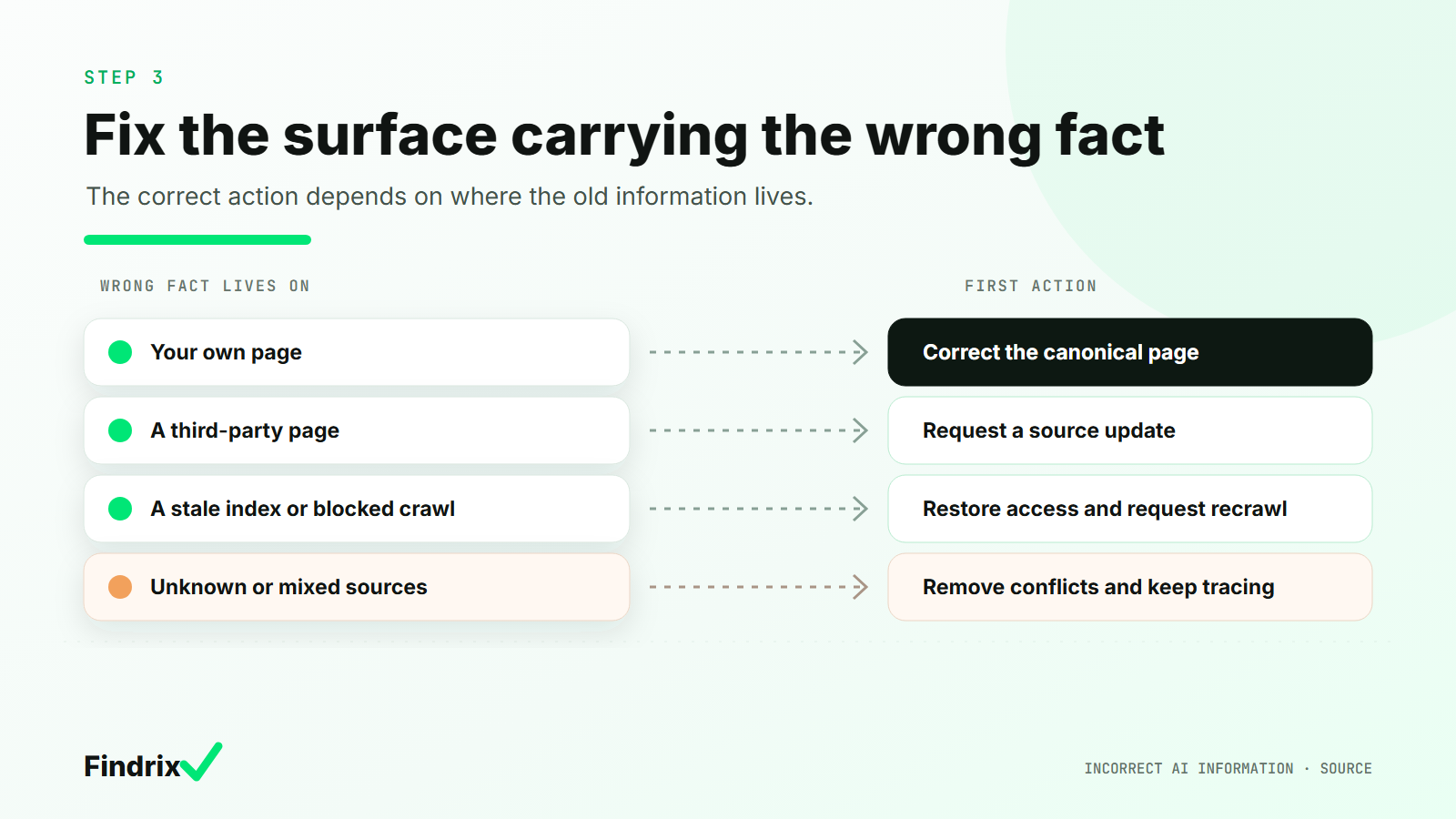
Which surface is carrying the wrong fact?
| What you find | Surface | First action |
|---|---|---|
| Your page contains the old fact | First-party content | Correct the canonical page and every conflicting owned page |
| Your own pages disagree | First-party consistency | Choose one canonical fact and align the site, documentation, profiles and applicable structured data |
| A cited article or directory is wrong | Third-party source | Request a precise correction with proof from the primary source |
| The live page is correct but the indexed version is stale | Search index | Check access, then request recrawling |
| A relevant crawler cannot reach the corrected page | Crawler access | Check the correct user agent, official IP ranges, WAF and server responses |
| No source is shown or answers point to different versions | Unknown or mixed evidence | Expand measurement and do not assign a cause yet |
Your own page contains the old fact
Correct the visible text first, then search the controlled site for the same claim. A new feature page does not cancel an old comparison page.
Structured data comes after visible consistency. Google says Organization markup can help it understand and distinguish an organization, but valid markup does not guarantee a particular presentation. It should match what a person reads on the page.
The example company updates the comparison page, links to the current documentation and aligns the profiles it controls.
A third-party page is wrong
Send a correction request that is easy to approve:
Your page currently says: “[exact incorrect sentence].” The product has supported Salesforce since [date]. Please replace it with: “[approved replacement].” The current primary source is: [URL].
Track the owner, request date and response. Do not rewrite ten first-party pages to compete with one directory entry. Strengthen the canonical source and track whether the external page continues to appear.
The index is stale or the crawler is blocked
If the live page is already correct, stop editing it. Check whether the indexed version is old and whether the relevant crawler can fetch the corrected URL.
Crawler roles are specific. OpenAI separates search, training and user-initiated fetchers. Perplexity distinguishes background search crawling from user-requested visits. A training block is not automatically a search setting. Check current documentation, robots rules, WAF configuration and server responses.
The source is unknown or mixed
“Cause not isolated” is a valid result. Repeat the question, compare engines separately and inspect newly visible sources instead of making a site-wide change.
This is the answer to both “how to correct company information in ChatGPT” and “how to fix AI hallucinations around your brand”: do not begin at the model level. Begin with the evidence surface you can observe and correct.
Step 4. Make the corrected information discoverable
Correction and discovery are separate jobs. First make the fact consistent. Then notify the relevant search systems that something changed.
For a few Google URLs, use URL Inspection; for a larger set, update the sitemap. Google says crawling can take days to weeks and does not guarantee inclusion. Repeating the request does not make crawling faster.
IndexNow can notify participating engines that a URL was added, changed or deleted. Each engine still decides whether and when to crawl or index it.
Record the corrected URL, publication time, notification action, crawler-access result and recheck date. This makes the correction discoverable; it does not guarantee an answer update.
The example company requests recrawling for the comparison page. The directory request remains open, so one surface is still unresolved.
Step 5. Check whether AI answers have changed
Repeat the baseline without making the test easier. Use the same questions, engines, modes, market or language and run design. Keep the full answers and visible sources.
Compare four things:
- how often the wrong fact appears;
- whether the correct fact appears;
- whether new contradictions appear;
- which sources are visible.
An illustrative record for the Salesforce example might look like this:
| Measure | Before | Recheck |
|---|---|---|
| Question | Does Product X support Salesforce? | Same question |
| Identical runs | 4 of 5 say “no” | 1 of 5 says “no” |
| Visible source | Old comparison page | Current integration page |
| Status | Reproducible error | Improved, not fully resolved |
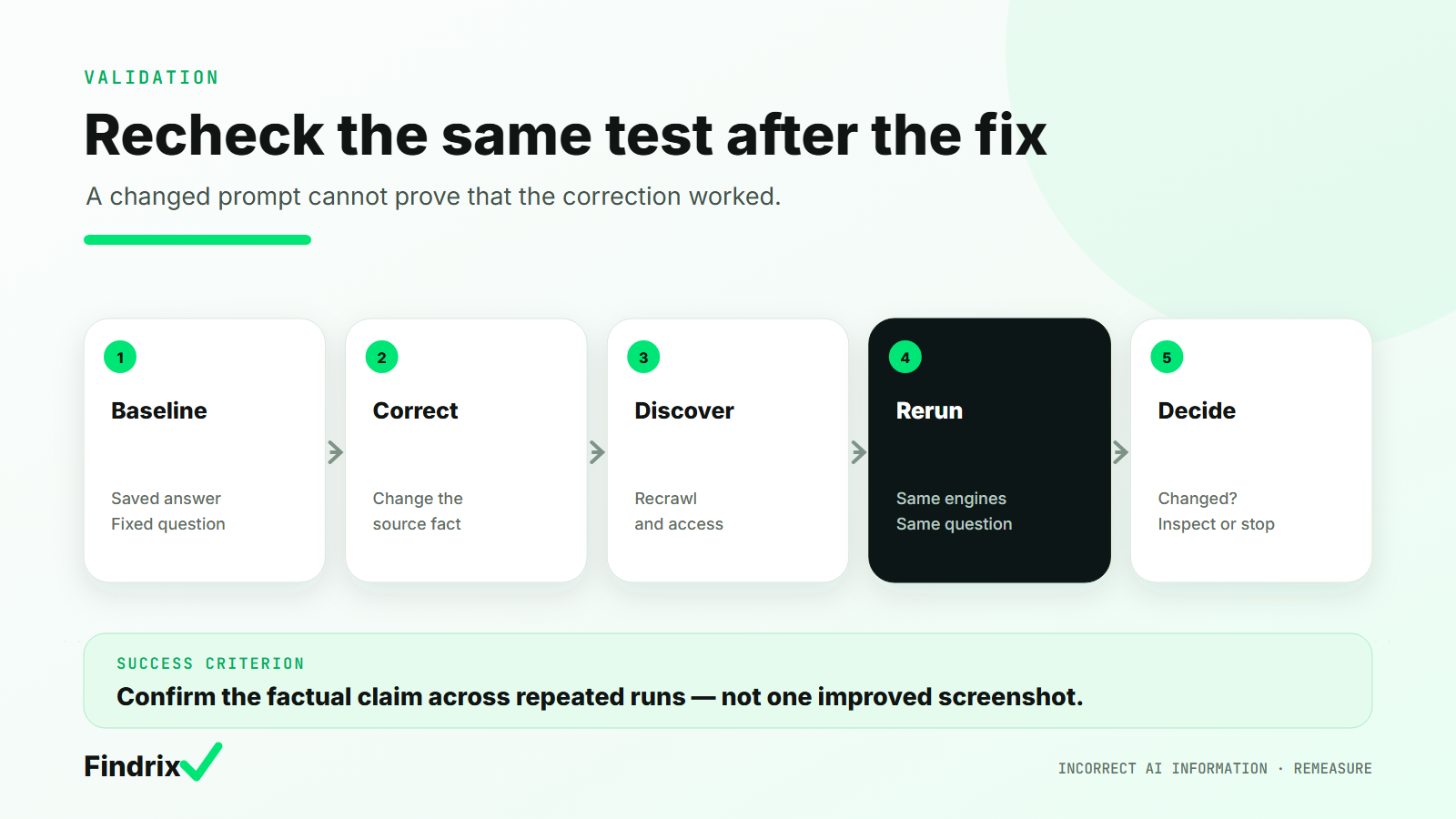
These illustrative figures explain the method; they are not product-performance data or a universal threshold.
Use three defensible outcomes:
- Improved: the wrong fact appears less often or disappears, the correct fact appears and the sources are current.
- Source changed, answer did not: discovery improved, but the generated claim remains wrong. Look for unresolved conflicting surfaces and continue observing.
- Too variable to call: the runs do not support a stable conclusion. Extend the measurement rather than selecting the best screenshot.
Say the improvement followed the correction. Do not claim that one edit caused it.
How to manage incorrect AI information across multiple products and engines
A spreadsheet is enough for one fact, a small question set and one or two engines. Include the baseline, evidence surfaces, owner, correction status, discovery action and recheck.
Manual coordination breaks when products, markets, languages and owners multiply. A claim may be correct on the main site, outdated in regional documentation and inconsistent across engines. Then “how to monitor AI hallucinations about my company” becomes a workflow question.
Findrix keeps approved questions and engine histories separate, flags persistent errors, connects them with likely sources and prepares correction drafts for human review. The team publishes the change. The recheck stays attached to the issue, so a source update is not confused with an answer change.
The output is a shared record of the wrong fact, surfaces checked, action taken and result under the same test.
Start with the error that can cost a buyer
Choose one factual error that could remove your product from consideration. Preserve the exact answer, trace the evidence surfaces and apply the action that matches the surface. Only then make the correction discoverable and repeat the unchanged test.
If the work no longer fits in a spreadsheet, Findrix can keep the diagnosis, correction and recheck in one workflow without pretending it can edit the model’s answer directly.
Read next
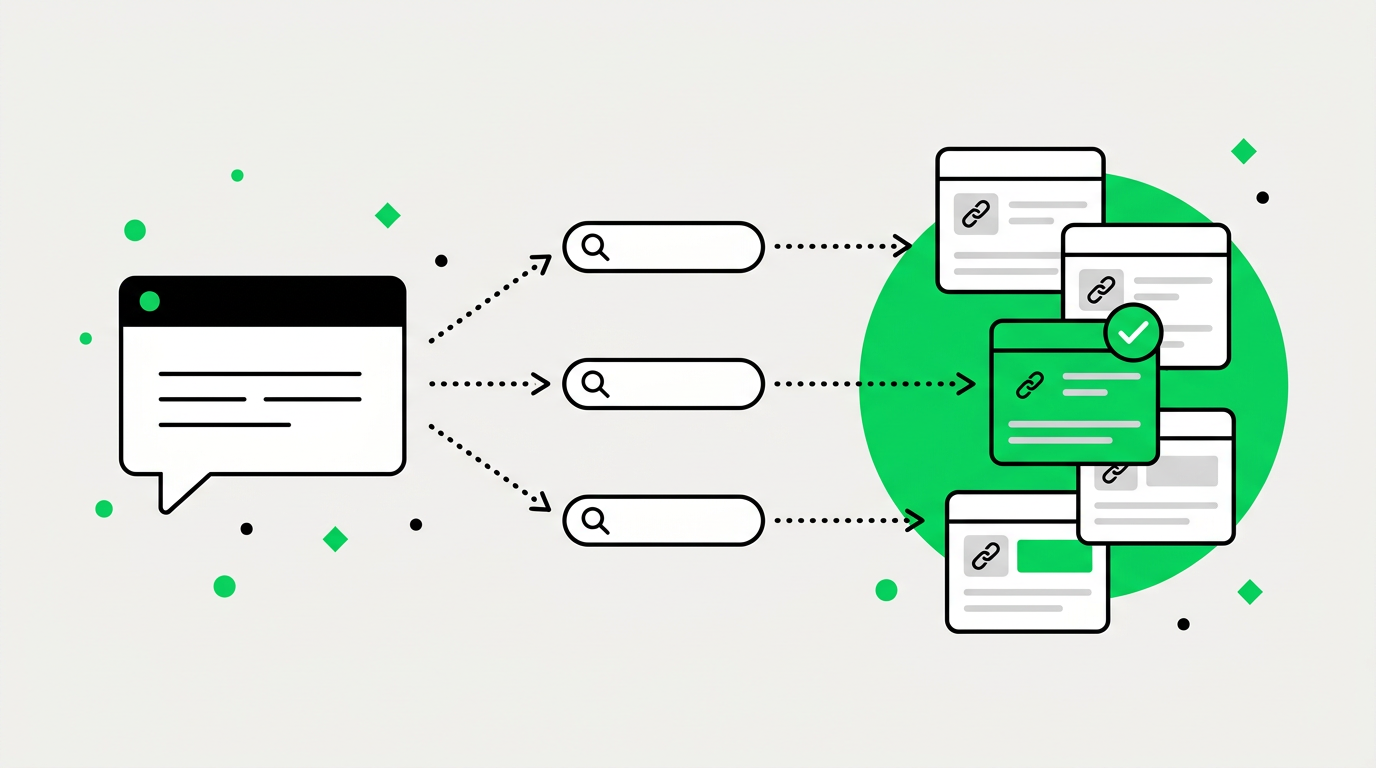
How AI Search Engines Retrieve and Cite Sources
How ChatGPT, Google AI Mode and Gemini turn a prompt into searches, pick sources and attach links, with research and Radar data on what gets cited.
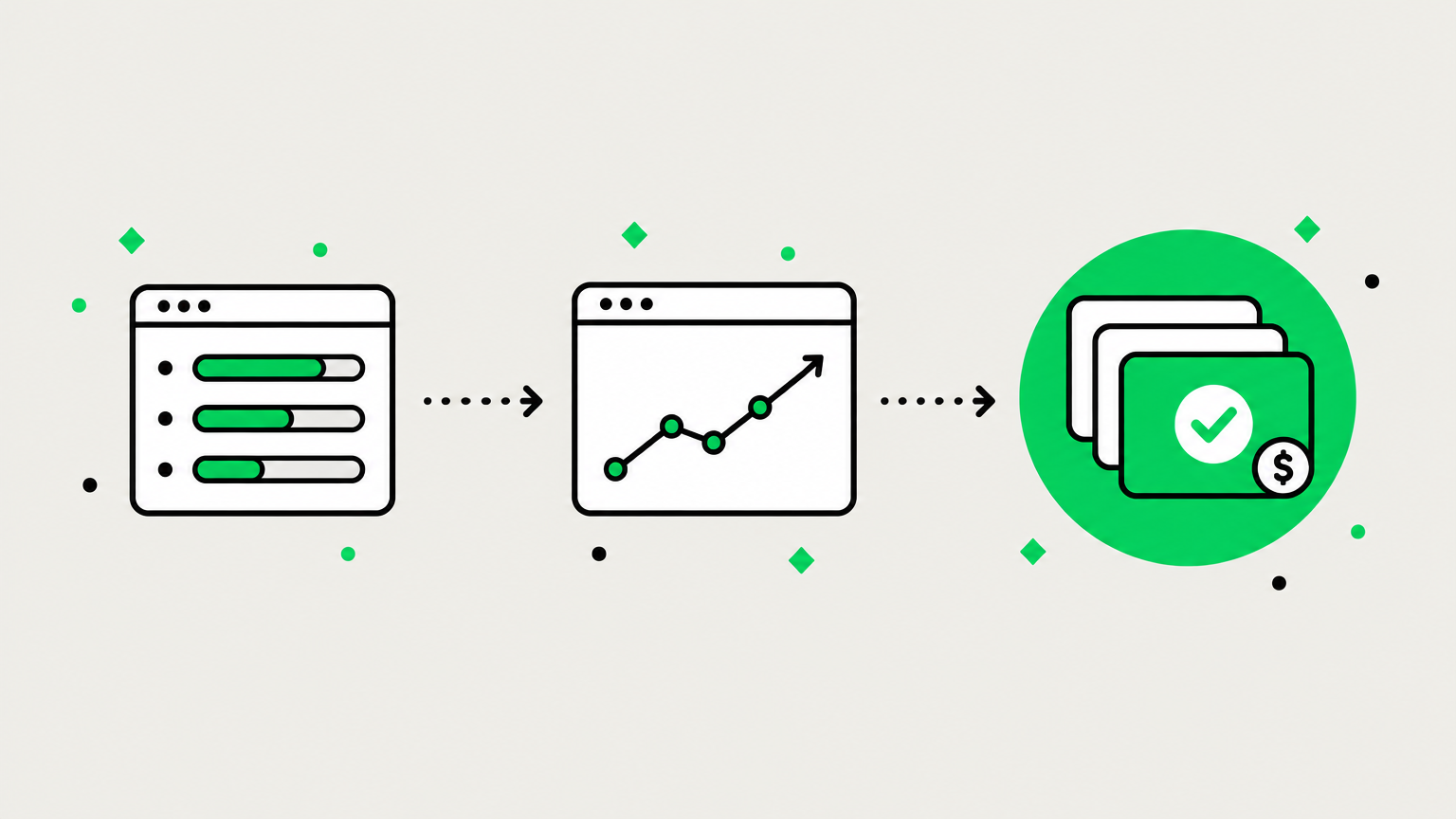
The AI Visibility Report That Gets Your Work Funded
Executives distrust AI visibility metrics. Learn which three or four numbers to report, how to tie them to GA4 and CRM, and how to read a drop.
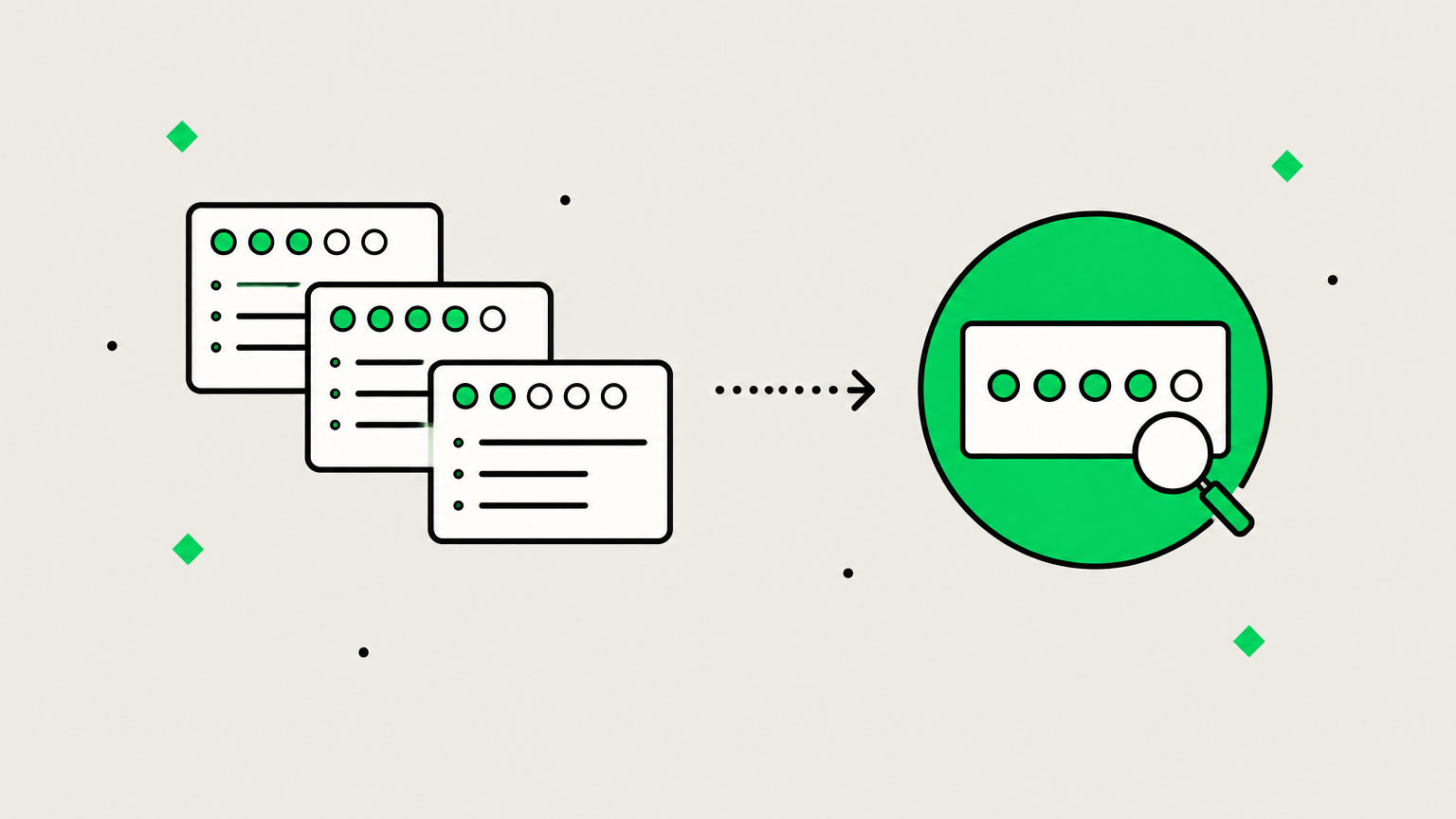
How to Track Brand Mentions in ChatGPT, Perplexity and Google AI Overviews
We asked ChatGPT and Google the same buyer questions five times each. Here's how to track brand mentions in AI answers so a single check doesn't mislead you.
11 Best Generative Engine Optimization (GEO) Tools in 2026: Tested & Compared
This comparison from Findrix ranks the 11 best generative engine optimization (GEO) tools of 2026 by the work they actually do: finding gaps in ChatGPT, Perplexity, Gemini and Google AI Overviews, explaining what to change, drafting the fix, and re-measuring after it ships, with prices from $49/mo.